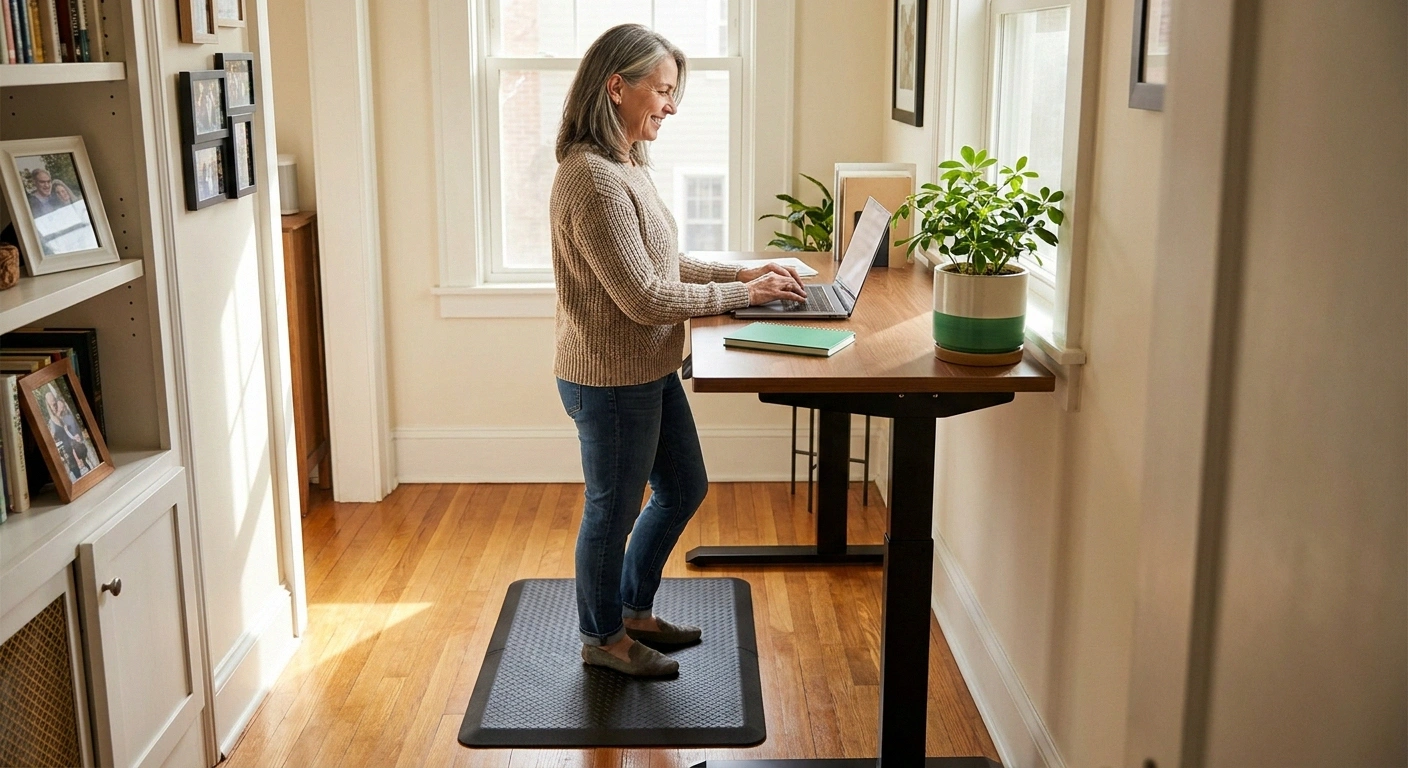
A standing desk looks like it should be great for neuropathy. Standing instead of sitting, moving more, reducing the hunched posture that compresses nerves — all of that sounds like a step in the right direction. But anyone who has tried standing at a desk with neuropathy knows it's not that simple. Twenty minutes of standing on feet that are already burning or numb can feel brutal, and a poorly set-up standing desk can actually make things worse.
The good news is that with the right setup and the right approach, a standing desk can genuinely be a useful tool for managing neuropathy at work. The key is understanding what “using a standing desk correctly” actually means — because the advice most ergonomics guides give isn't quite right when you're working with compromised foot sensation and fluctuating pain levels.
Can a Standing Desk Actually Help Neuropathy?
The honest answer is: it depends on how you use it, and which neuropathy symptoms are most prominent for you.
The Key Insight
A standing desk is not about replacing sitting with standing. It's about alternating frequently between positions. The circulation benefit comes from the transitions, not from standing itself. Neither prolonged sitting nor prolonged standing helps neuropathy.
The case for standing desks with neuropathy centers on circulation. Prolonged sitting compresses the blood vessels and nerves in the legs and buttocks, reducing blood flow to the lower extremities. For people with peripheral neuropathy in the feet and legs, reduced circulation tends to worsen symptoms — and many patients report that their tingling and numbness are significantly worse after long periods of sitting. Standing can partially address this by keeping the legs more active and circulation moving.
Standing also engages the muscles of the legs and core more than sitting, which matters for people with neuropathy-related muscle weakness. Keeping these muscles gently active throughout the workday — rather than completely dormant for eight hours — can contribute to the overall activity level that benefits nerve health.
The case against: standing on feet with reduced sensation for extended periods creates its own problems. You can develop foot sores, blisters, or injuries without noticing them. Fatigue sets in faster when your proprioceptive feedback is impaired, because your legs are working harder to maintain balance than they would need to in someone with normal sensation. And if your neuropathy causes painful burning in the soles of your feet, adding the pressure of standing will often intensify that pain.
The resolution to this apparent contradiction is the key insight: a standing desk is not about standing instead of sitting. It's about alternating between the two.
The Real Principle: Movement, Not Standing
The benefit of a height-adjustable desk is not the standing itself — it's the ability to change positions throughout the day. The human body, neuropathy or not, doesn't thrive in any static position for hours at a time. Every time you transition from sitting to standing or back, you're prompting circulation changes, engaging different muscle groups, and breaking the neural compression patterns that accumulate during prolonged static posture.
Recommended Sit-Stand Schedule for Neuropathy
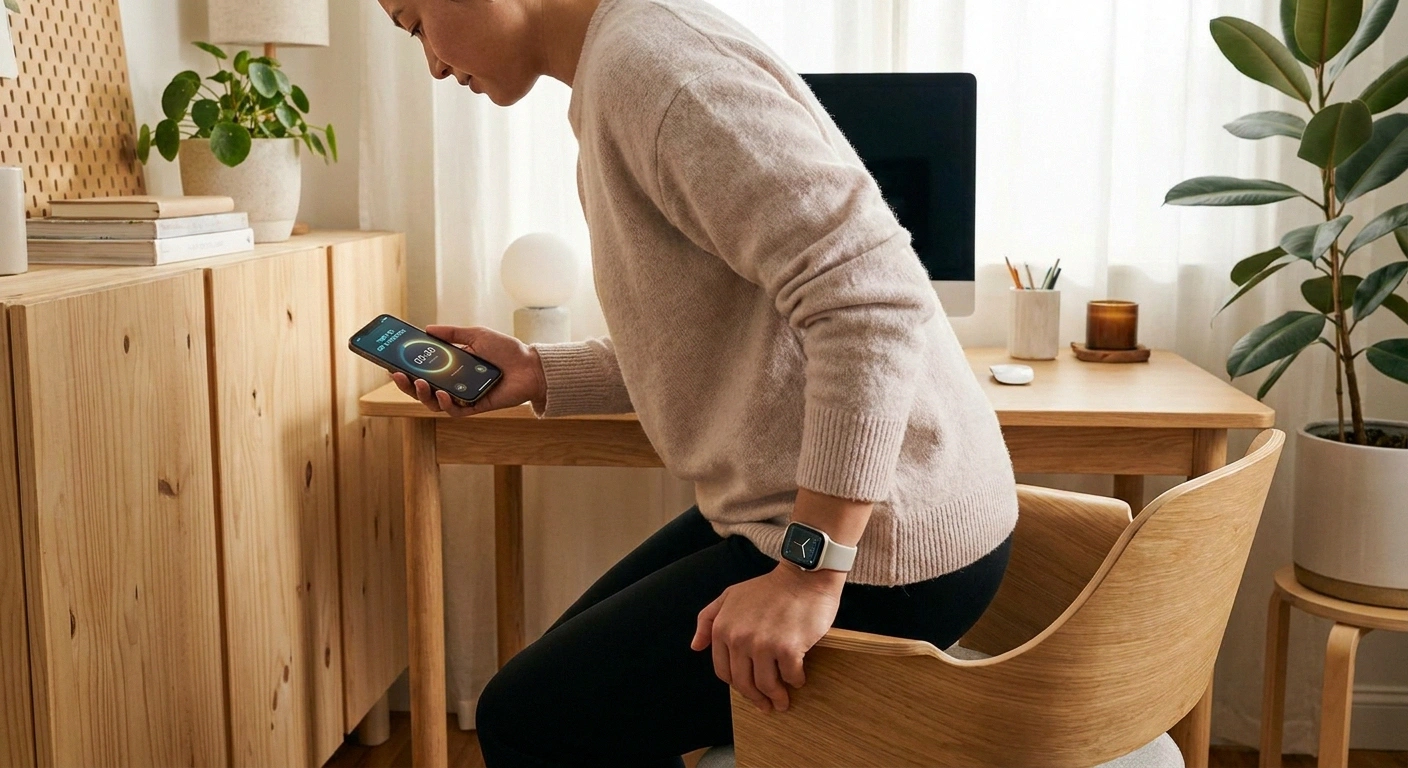
Adjust standing duration down on high-symptom days. Use a timer app — focus during work easily overrides the intention to change positions.
For people with neuropathy, this principle becomes even more important — because you may not feel the warning signals (aching, stiffness, numbness worsening) that would prompt a person with normal sensation to shift position. Those signals are there to protect you. Without them, you need to rely on a timer or deliberate habit instead.
A practical sit-stand schedule for neuropathy:
- Sit for 20–30 minutes
- Stand for 10–20 minutes
- Alternate throughout the workday
- Take a brief 2–3 minute walk at least every 90 minutes
This is more conservative than generic ergonomics advice (which often suggests standing for 30+ minute stretches), and that's intentional. The goal is to move frequently without putting prolonged pressure on already-compromised feet. If 10 minutes of standing feels like too much on a high-symptom day, five minutes is still better than none. Pay attention to which schedule your feet can tolerate and adjust from there.
A simple kitchen timer or a free app like Stand Up! (iOS) or Stretchly (cross-platform) can automate the reminders. This is important because focus during work can easily override your intention to change positions, and before you know it you've been sitting (or standing) for two hours without moving.
Setting Up Your Standing Desk for Neuropathy
Standard ergonomics advice for standing desk setup is a reasonable starting point, with some neuropathy-specific adjustments.
Desk height: When standing, your elbows should be at approximately 90 degrees with your forearms parallel to the floor when resting on the keyboard. Your shoulders should be relaxed, not raised. If the desk is too low, you'll hunch. If it's too high, you'll shrug. Both create tension that radiates down through the body and can worsen neuropathy symptoms in the arms and hands.
Monitor position: The top of your monitor should be at or slightly below eye level. Your gaze should drop naturally to the screen center rather than requiring you to tilt your head up or down. For people with upper extremity neuropathy who also experience neck and arm symptoms, this is particularly important — neck tension creates referred symptoms that compound nerve pain.
Keep a chair immediately accessible: This sounds obvious, but some standing desk setups push the chair out of the way when standing. Keep it within one step. Neuropathy symptoms can change quickly — what felt manageable five minutes ago can become urgent. You should never have to decide whether it's worth the effort to get the chair back before you sit down.
Stable surface under your feet: Your standing position should feel completely stable. If you're wobbling or compensating for balance, you're burning energy on maintaining your footing that should be going toward your work, and you're also creating a fatigue pattern that will worsen symptoms faster. See the anti-fatigue mat section below.
For upper extremity neuropathy: If your neuropathy also affects your hands and arms, keyboard and mouse positioning matters significantly. A keyboard tray that allows your wrists to be straight (not bent up or down), a mouse that keeps your wrist in a neutral position, and a wrist rest for breaks can reduce the aggravation of hand neuropathy during seated or standing work. Vertical mice or trackballs are worth considering for people with significant hand neuropathy.
Anti-Fatigue Mats: Worth Every Penny for Neuropathy
If you do one thing to make standing at a desk more tolerable with neuropathy, make it investing in a good anti-fatigue mat. The difference between standing on hard tile or carpet versus standing on a proper anti-fatigue mat is significant even for people without neuropathy. For someone with neuropathic feet, it can be the difference between being able to stand for 15 minutes versus 2.
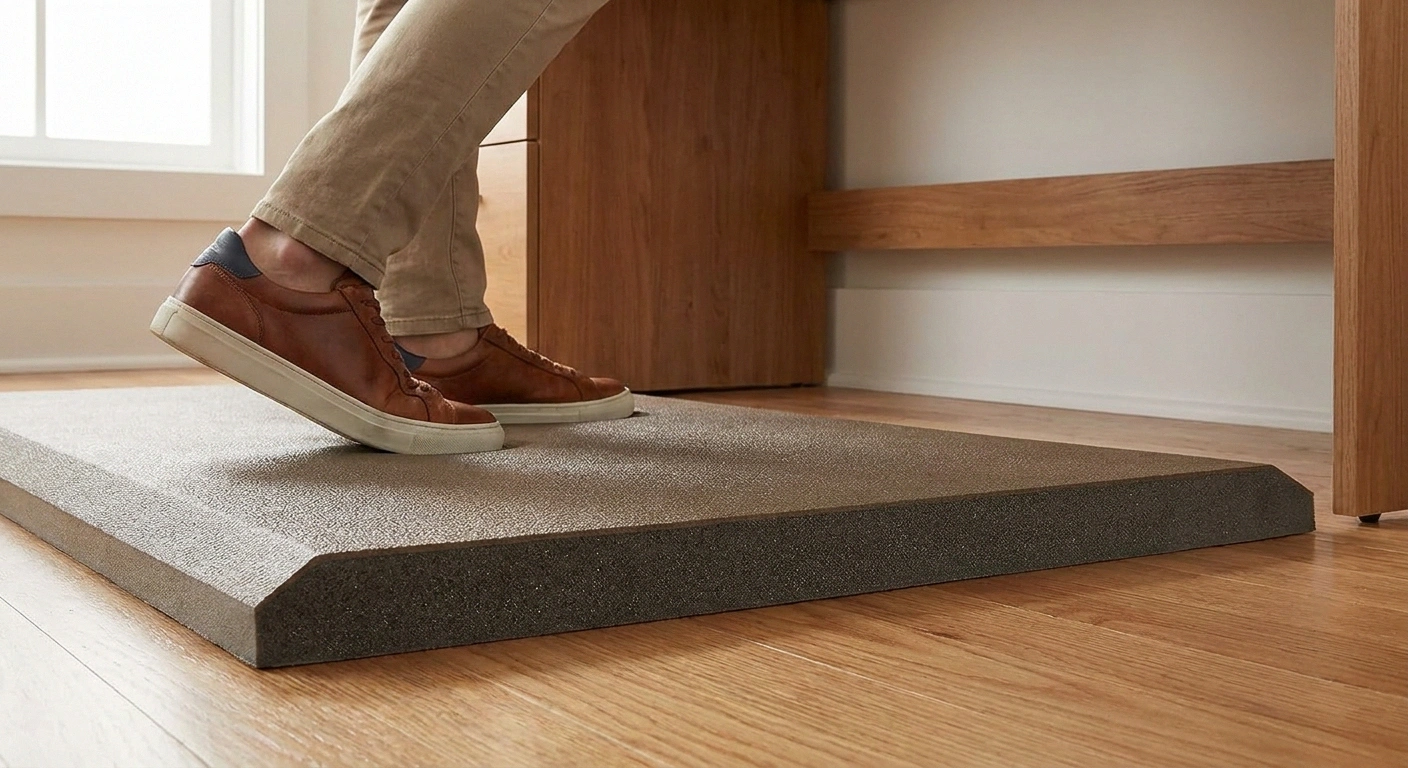
Anti-fatigue mats work by providing a slightly cushioned, compliant surface that encourages subtle micro-movements in your legs and feet. These small adjustments keep circulation active and reduce the fatigue of static muscle loading. They also reduce the hard pressure directly on the soles of the feet — where neuropathic pain often concentrates.
What to look for in an anti-fatigue mat for neuropathy:
- Adequate thickness: At least 3/4 inch, preferably 1 inch. Thin decorative mats don't provide real cushioning.
- Beveled edges: The edges should slope gradually to the floor, not form a sharp ridge. Sharp-edged mats are a tripping hazard, and with reduced foot sensation, you won't feel your toe catching the edge before you're already stumbling.
- Non-slip bottom: The mat must stay put on the floor. A mat that slides is a fall risk.
- Easy to clean: You'll be standing on this in shoes that have been on various floors. Wipeable surfaces are practical.
Popular options include mats from Topo, Ergodriven, and WellnessMats, though the specific brand matters less than the thickness and edge design. Avoid cheap thin foam mats that compress to nothing after a few weeks.
Footwear at Your Standing Desk
Never stand at your desk barefoot if you have neuropathy. This feels like an obvious point, but it bears stating directly: reduced sensation in the feet means you can step on something, develop a blister, or scrape your skin on the mat edge without knowing it. Foot wounds in neuropathy patients are serious because they often progress to infection before being noticed. Wearing supportive, enclosed footwear every time you stand is a non-negotiable part of using a standing desk safely.
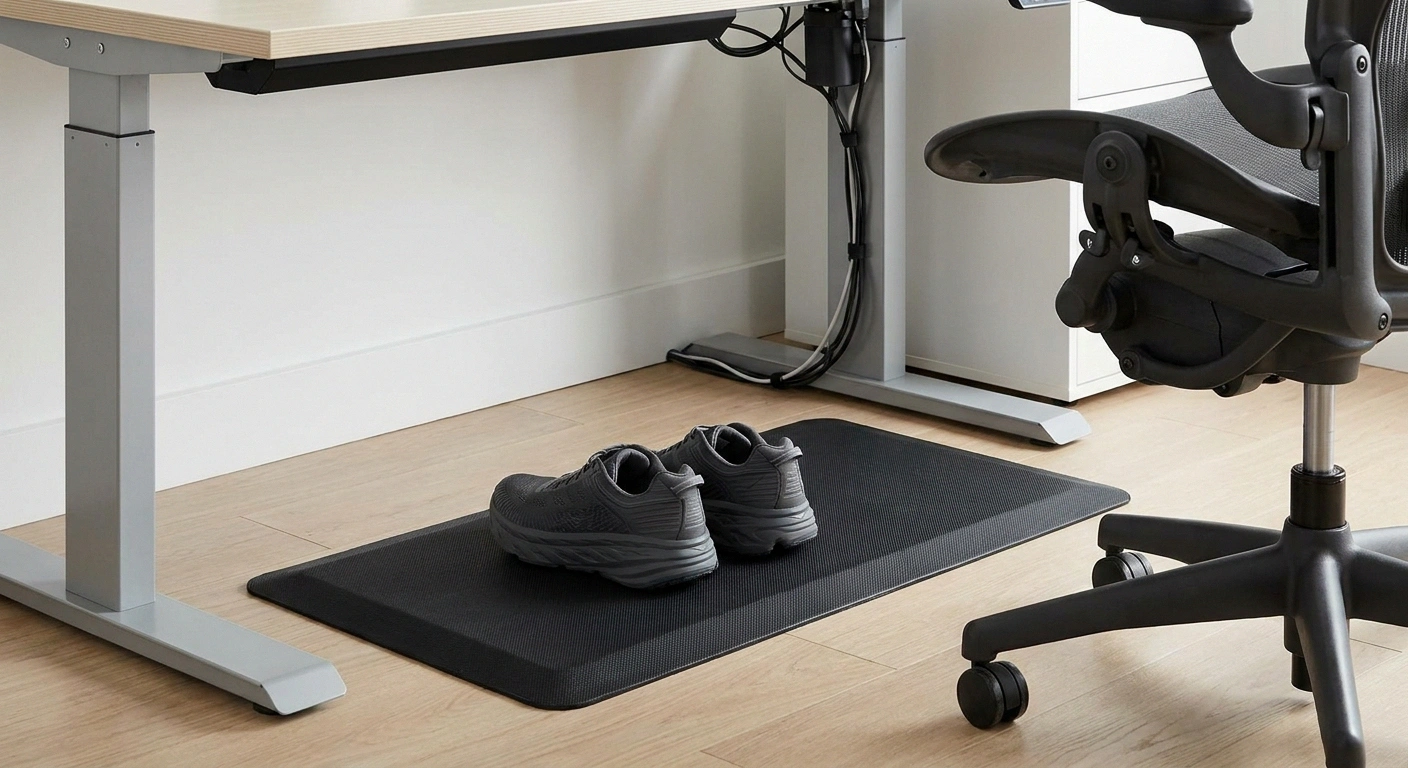
Never Stand Barefoot with Neuropathy
Reduced foot sensation means you can develop blisters, scrapes, or step on objects without knowing it. Foot wounds in neuropathy patients often progress to infection before being noticed. Wear enclosed, supportive footwear every time you stand at your desk. Keep a designated pair at the desk if you work from home barefoot.
The best shoes for neuropathy at a standing desk have:
- Adequate cushioning in the sole (not thin-soled dress shoes)
- Good arch support to reduce pressure on the forefoot and heel
- A wide toe box that doesn't compress already-sensitive toes
- A non-slip outsole
If you work from home and normally go sockfoot around the house, consider keeping a designated pair of supportive shoes at your desk and putting them on specifically for standing intervals. This establishes a clear habit and ensures you're always protected when standing.
Compression socks or stockings can also be beneficial during standing desk use, particularly for lower leg neuropathy with circulation component. They provide gentle external pressure that supports venous return and may help with the aching that can develop from prolonged standing. Ask your doctor whether compression socks are appropriate for your specific situation, as they're not right for everyone with neuropathy (particularly those with arterial circulation issues).
Signs Your Standing Desk Setup Isn't Working
A standing desk that's helping you will gradually feel more comfortable to use over days and weeks. If instead you're noticing these signs, something needs to change:
- Significantly increased burning or pain in your feet during or after standing intervals — your standing duration is probably too long, or you need better footwear or a thicker mat
- Lower back pain that wasn't there before — your desk height is likely wrong, or you're standing with locked knees (keep them slightly soft)
- Foot swelling that's worse at the end of the day — consider shorter standing intervals and compression socks
- New foot injuries, blisters, or sores — barefoot standing or inadequate footwear; inspect feet daily
- Balance issues when transitioning from sitting to standing — take the transition more slowly, use the desk surface for support while your body adjusts
None of these signs mean a standing desk is wrong for you — they mean the current setup needs adjustment. Try shorter standing intervals first, then assess footwear and mat quality, then desk height. Rarely is the answer to stop using the desk altogether; usually it's a calibration issue.
For a broader approach to staying active with neuropathy, walking remains the cornerstone of neuropathy-friendly exercise — even those brief 2–3 minute walks between standing intervals count toward your total daily movement goal.
Quick Setup Checklist
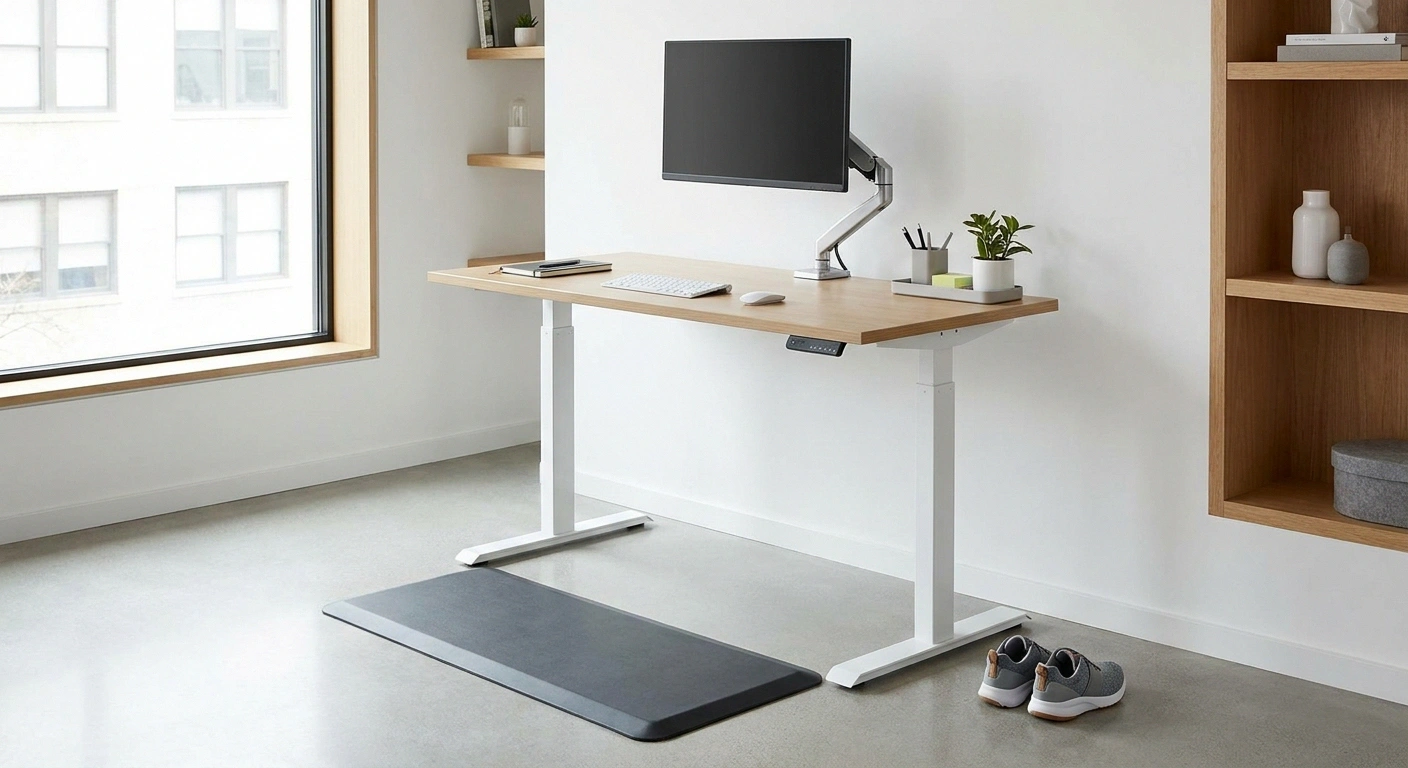
- Height-adjustable desk or converter that allows both sitting and standing positions
- Anti-fatigue mat: at least 3/4 inch thick, beveled edges, non-slip bottom
- Supportive footwear kept at the desk
- Timer or app to prompt position changes (every 20–30 minutes)
- Chair kept immediately accessible when standing
- Monitor at eye level, elbows at 90° when standing
- Daily foot inspection at end of workday
Frequently Asked Questions
Is standing better than sitting for neuropathy?
Neither prolonged standing nor prolonged sitting is ideal for neuropathy. Alternating between the two is significantly better than either alone. Standing periodically improves circulation in the lower legs and feet, reduces the nerve compression that accumulates during extended sitting, and keeps leg muscles gently active. But standing for too long on neuropathic feet can increase pressure and pain. The goal is frequent position changes, not simply replacing sitting with standing. A timer or app that prompts you to change positions every 20 to 30 minutes is a practical way to build this habit.
Standing Desk Setup Checklist for Neuropathy
How long should I stand at a time with neuropathy?
Start conservatively with 10 to 15 minutes of standing followed by 20 to 30 minutes of sitting, and adjust based on how your feet respond. Some people find they can comfortably stand for 20 to 30 minutes at a stretch; others find 10 minutes is the right ceiling. Pay attention to burning, increased pain, or significant fatigue in your feet as signals to sit down. The right standing duration is the one your feet can tolerate without a significant worsening of symptoms. Over time, with better footwear and a good anti-fatigue mat, many people find their comfortable standing duration gradually increases.
Do I need a standing desk or just a desk riser?
A full height-adjustable desk is ideal because the transition between sitting and standing height is smooth and quick, which makes you more likely to actually switch positions throughout the day. A desk riser that sits on top of an existing desk is a less expensive option, and it works fine for many people. The main limitation of a riser is that the sitting position is your normal desk height, which may not be optimally adjusted for sitting ergonomics. If you are working from home with a fixed desk and limited budget, a riser is a perfectly reasonable starting point.
What if standing makes my foot pain worse?
First, check the basics: are you standing on an anti-fatigue mat, wearing supportive footwear with cushioning, and standing for reasonable intervals rather than extended periods? If you have addressed all of these and standing still consistently worsens your foot pain, the issue may be the specific nature of your neuropathy. Some patients have neuropathic pain that is worsened by pressure on the soles of the feet, in which case even brief standing intervals may not be tolerable. In that case, focus on other forms of movement such as brief walking with cushioned footwear, seated cycling, or chair exercises to maintain circulation without direct foot pressure.
Should I use compression socks at my standing desk?
Compression socks can help manage lower leg swelling and support circulation during standing desk use, and many neuropathy patients find them beneficial. However, they are not appropriate for everyone. People with significant arterial circulation problems or peripheral artery disease should not use compression socks without medical guidance, as compression can reduce blood flow to the feet in those conditions. Ask your doctor whether compression socks are appropriate for you given your specific type of neuropathy and any other conditions you have. If you get the go-ahead, a mild compression level of 15 to 20 mmHg is usually appropriate for everyday desk use.
About the Author